Record and listen
Capture your microphone or computer audio together with your microphone. Pause, keep working and listen to the original recording later.
AUDIOZUTEXT FOR YOUR COMPUTER
Record, find and follow up. Your workspace for conversations, with a German-language interface on Mac and Windows.
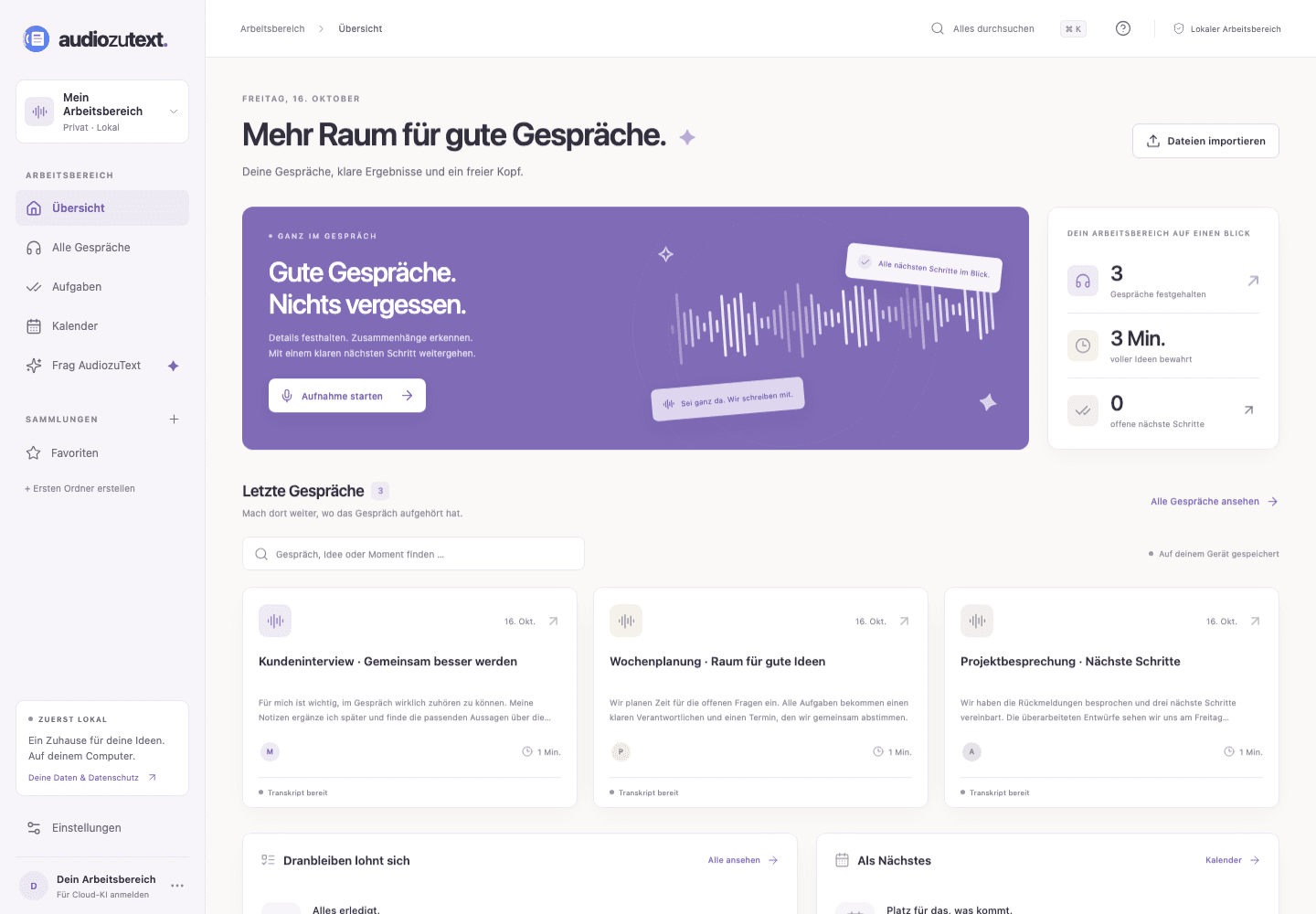
Capture your microphone or computer audio together with your microphone. Pause, keep working and listen to the original recording later.
Import audio and transcripts, search for statements and correct speaker names or transcript passages.
Connect your account to transcribe recordings, generate meeting notes and ask questions with source references.
Collect conversations in folders, mark favourites, add your own notes and track follow-up tasks.
Export PDF, text, Markdown, JSON or subtitles. Back up your local workspace together with its audio files.
Import events from an ICS calendar file. You choose when each recording starts.
Version 1.0.2
Choose the file for your computer. The desktop app currently has a German-language interface.
macOS 14.2 or later
AudiozuText-1.0.2-mac-arm64.dmg
6be699c810b103d02b3f745d25705b341b10018d1370c4359d408513ca765c5eAudiozuText-1.0.2-mac-x64.dmg
6a15466bb818d1a036e5e3c2edffb5f8a5e003d0b06b57565f30bbf965c1bf23On your Mac, open the Apple menu → About This Mac. Choose Apple Silicon if it lists a chip, or Intel if it lists an Intel processor.
Windows 10 or 11 (64-bit)
AudiozuText-1.0.2-win-x64.exe
bd6c79b6f4681a29f9b86238a1154dba77b5315eacd64c2c73874a5f232c734eAudiozuText-1.0.2-win-arm64.exe
f4c247055d3dd779c36fe109e558ebe22bbecddbeb7ce92f33ea68d4d18db764On Windows, open Settings → System → About → System type. The x64 version is for Intel and AMD; ARM64 is for ARM processors. Windows lists “AnwaltGPT” as the verified publisher.
Mac: Open the DMG file and drag AudiozuText to Applications. Windows: Open the downloaded EXE file and follow the installer.
Allow microphone access and inform everyone involved. macOS requests an additional system permission for computer audio. You can also import an existing file.
Recording, local transcript editing and exports work without an account. Connect your AudiozuText account for cloud transcription and AI; your plan’s usage limits apply.
Recordings, imported transcripts, personal notes and tasks start in your local workspace. These files are not additionally encrypted by the app. Protect your computer and backups accordingly.
The selected recording is uploaded to the AudiozuText service when you request transcription. AI notes and questions send the selected transcript content for processing through OpenRouter using GPT-6 Luna.
Updates are initially manual: finish any active recording, export a backup if needed under Einstellungen → Deine Daten, and download the new version from this page. Install it over your existing app. Automatic updates are not currently available.
Need help installing? Contact support